


PT Playing Time 2026: How to Track Gaming Hours Using Android and iPhone Screen Time
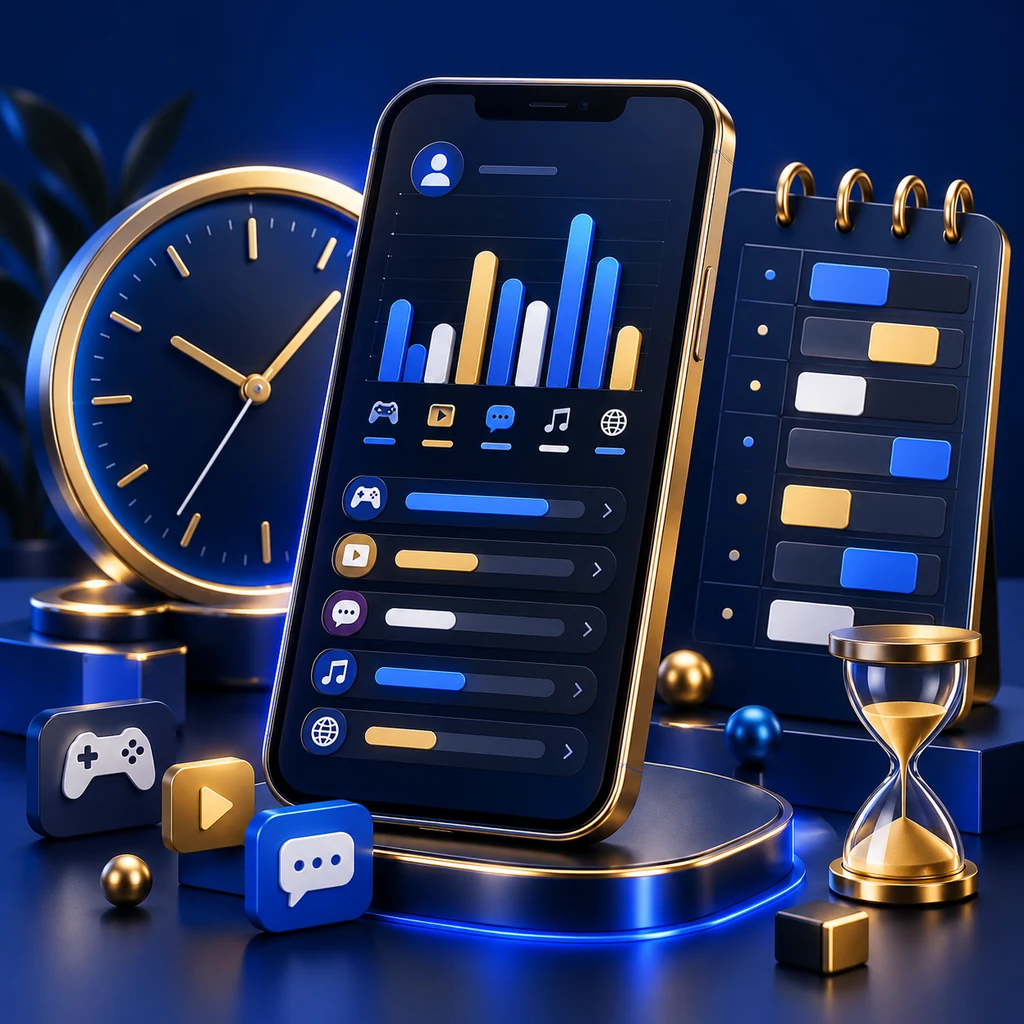
Summary
If you want to track PT playing time, begin with the phone’s own usage reports and a clear definition of what counts as a session. PT game time can include a native app, a browser and more than one device. This guide explains how to interpret Android and iPhone records, set practical limits and avoid confusing screen time with money spent or game outcomes.
Overview
Usage dashboards measure device activity under their own rules. A browser total may combine several sites, and a screen left open can differ from active attention. Treat the report as a useful record rather than a perfect account of every minute. Choose a time budget before starting, review how the phone counts the relevant route and keep time limits separate from any financial or account restrictions.
Apple Screen Time setup · PAGCOR electronic gaming resources
Key Takeaways
- Decide whether you are counting app use, browser visits, watching related videos or the whole period devoted to gaming.
- On supported Android phones, look for Digital Wellbeing or the manufacturer’s equivalent usage dashboard.
- Use the app limit, timer or scheduled downtime controls offered by the phone if they fit your goal.
- Compare your observed time with the budget you chose and notice what led to longer sessions.
- Usage screenshots can expose other apps, daily routines and device names.
Define the activity you want to measure
Decide whether you are counting app use, browser visits, watching related videos or the whole period devoted to gaming. A single number is hard to interpret without that definition. If you use more than one device, decide how to avoid double-counting overlapping periods. Write down your intended stopping time before opening a game so the report has a purpose beyond curiosity. Time already spent does not create a reason to continue, and a longer session does not improve the chance of a favorable outcome.
Find the relevant device report
On supported Android phones, look for Digital Wellbeing or the manufacturer’s equivalent usage dashboard. On iPhone, review Screen Time for the app and website activity your device records. Menu labels and available controls vary by software version. Check the selected day or week and whether the view combines devices. A browser entry may include unrelated sites, so do not label its entire total as PT Gaming use. Confirm what the device actually shows before sharing a screenshot or comparing days.

Set a limit and understand its exceptions
Use the app limit, timer or scheduled downtime controls offered by the phone if they fit your goal. Read whether the limit can be extended, whether it applies across devices and whether browser access is counted separately. A reminder is useful only if you respond to it. Avoid treating an easily dismissed notification as a strict account-level restriction. If you need a stronger barrier, investigate the service’s current responsible-gaming controls through verified information instead of assuming the operating system provides the same protection.
Review the week without turning the report into a score
Compare your observed time with the budget you chose and notice what led to longer sessions. Include the time spent resolving login problems or watching promotions if those activities are part of your goal. The report is not a measure of skill or value received. A short session can still involve financial risk, and a long session does not prove that a person has a particular condition. Use the information to adjust routines and make room for breaks, sleep and other commitments.
Keep the record private and actionable
Usage screenshots can expose other apps, daily routines and device names. Crop or redact them before asking for help. If you repeatedly exceed limits you intended to keep, consider reducing access and using the support and responsible-gaming resources available through verified channels. A device timer is only one tool, not a replacement for an account restriction or professional help when needed. Make the next step concrete, such as a shorter scheduled window or a day without access, rather than repeatedly resetting the same warning.
Frequently Asked Questions
1. What does PT playing time mean here?
It means the gaming-related time you choose to track, with a clear definition of whether app, browser and related viewing are included.
2. Where can Android users look for usage reports?
Look for Digital Wellbeing or the device maker’s equivalent. Availability and labels depend on the phone and software version.
3. Where can iPhone users find activity information?
Use Screen Time and inspect the selected day, week and device scope before interpreting app or website totals.
4. Does browser time equal PT Gaming time?
Not necessarily. A browser total can combine many sites and tabs, so note what the report actually isolates.
5. Can reports combine multiple devices?
Some settings can combine activity. Check the selected scope so overlapping or separate devices are interpreted correctly.
6. Is screen time the same as active attention?
No. An open app or screen can be counted differently from deliberate attention. Treat the report as a device record with limitations.
7. Will an app timer restrict browser access too?
Not automatically. Check whether the browser or website has its own limit and whether alternative routes remain available.
8. Is a phone timer an account self-exclusion?
No. Device controls and service-level restrictions have different scopes. Confirm current account controls through verified resources.
9. Can I extend a time limit?
That depends on the device settings. Read the available exceptions so you know whether the control is a reminder or a stronger barrier.
10. Does more playing time improve the chance of winning?
No time-tracking method changes the game’s rules or removes financial risk. Do not use elapsed time as a prediction.
11. Should I compare only daily totals?
Daily totals can help, but context matters. Note the activity, devices and reasons a session exceeded your intended budget.
12. Does a short session eliminate spending risk?
No. Time and money are separate limits, and either can be exceeded independently of the other.
13. What should I hide in a usage screenshot?
Hide unrelated apps, device names, private routines and any account details before sharing the image.
14. What if I keep ignoring the timer?
Consider reducing access and investigating stronger verified support or account controls instead of repeatedly resetting the same reminder.
15. What is a practical first step today?
Choose a stopping time, identify the route your phone measures and review the result against that plan without treating the total as a score.
Sources and verification
Editorial guide for eligible adults aged 21+. Promotional images and CTA buttons use a referral link.